 Claude limits
Add NEO's MCP server to any environment with Python 3.11+.
Open your NEO dashboard, create a key, and copy it. Keys look like sk-v1-….
Register NEO with one command, then just ask in a new chat to ship work.
claude mcp add --scope user neo \
  -e NEO_SECRET_KEY=sk-v1-your-key \
  -- python3 -m neo_mcp
Using Cursor, VS Code, or another MCP client? See the neo-mcp setup.
Independent benchmark
The task: benchmark a speech-to-text model on a CPU-only Azure VM — 2 cores, 7.7 GB RAM, no GPU. Claude Code alone reached for the obvious HuggingFace + PyTorch path and iterated in real time. NEO spent two minutes researching first, then chose ONNX Runtime for its AVX2-optimized CPU kernels — same task, same machine.
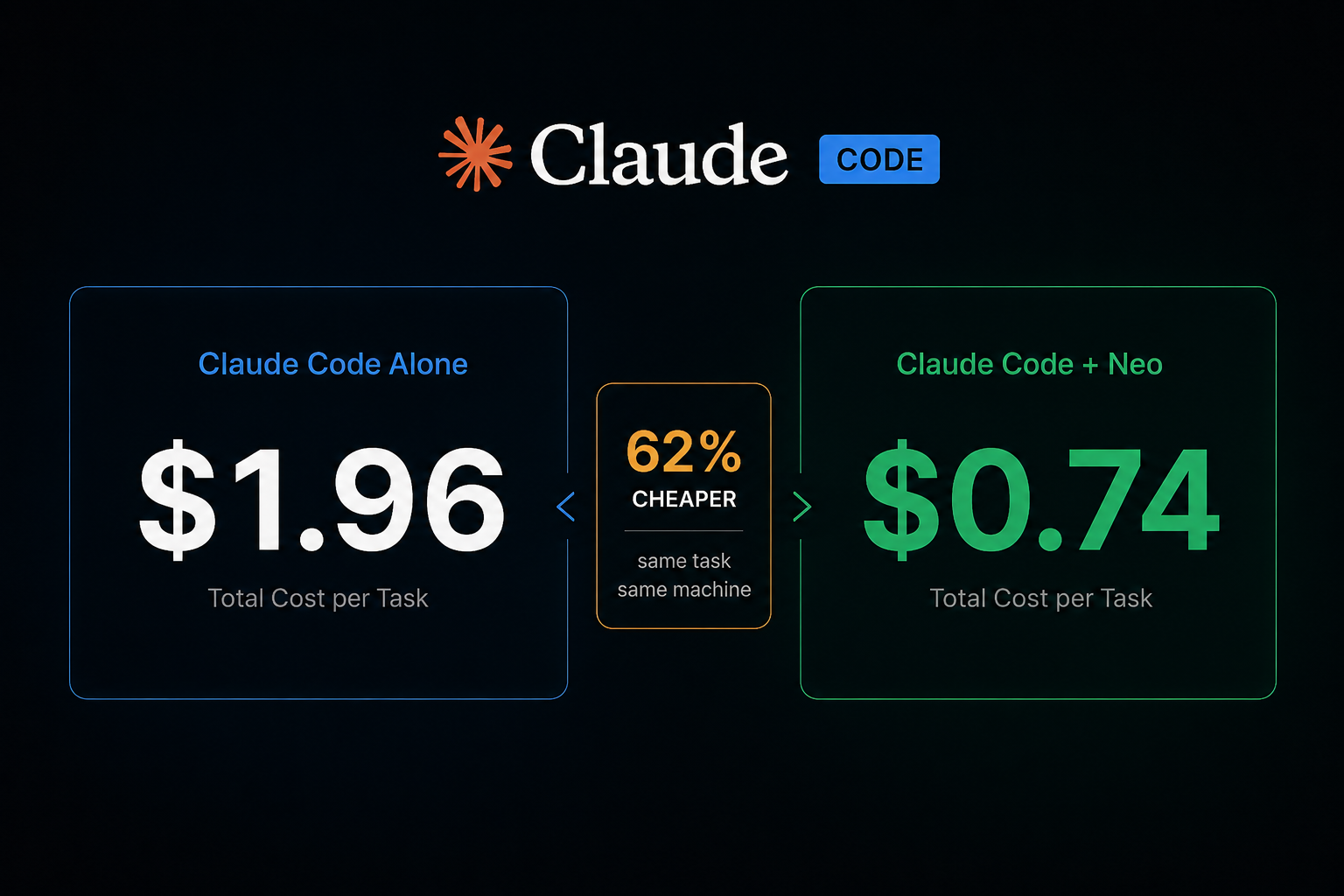
Cost per task
$1.96$0.74
62% cheaper
Runtime (RTF)
0.5190.328
37% faster
Backend chosen
PyTorchONNX Runtime
CPU-optimized
Benchmark by Gaurav Vij · Read the full writeup
Install once, then delegate ML work to NEO from any Claude Code session.